
How to Sign Up for zipBoard
Getting started with zipBoard is quick and easy, and the best part is, it’s completely free to sign up!
1️⃣ Steps to Create Your Account
-
Visit the Sign-Up Page
Go to the zipBoard app by clicking on the following link: https://app.zipboard.co/signUp
-
Enter Your Details
Provide your email address, name, and desired password. Make sure to choose a strong password for your account.

-
Create Your Account
After filling out the information, click on the ‘Create Account’ button. Congratulations, you’re now a part of zipBoard! 🎉

2️⃣ Email Validation Steps
Step 1 — Sign Up or Accept an Invitation
When you create a new zipBoard account or click an invitation link from a teammate, you'll be prompted to enter your email address and set a password. Once you submit the form, zipBoard automatically sends a verification email to the address you provided.
Step 2 — Check Your Inbox
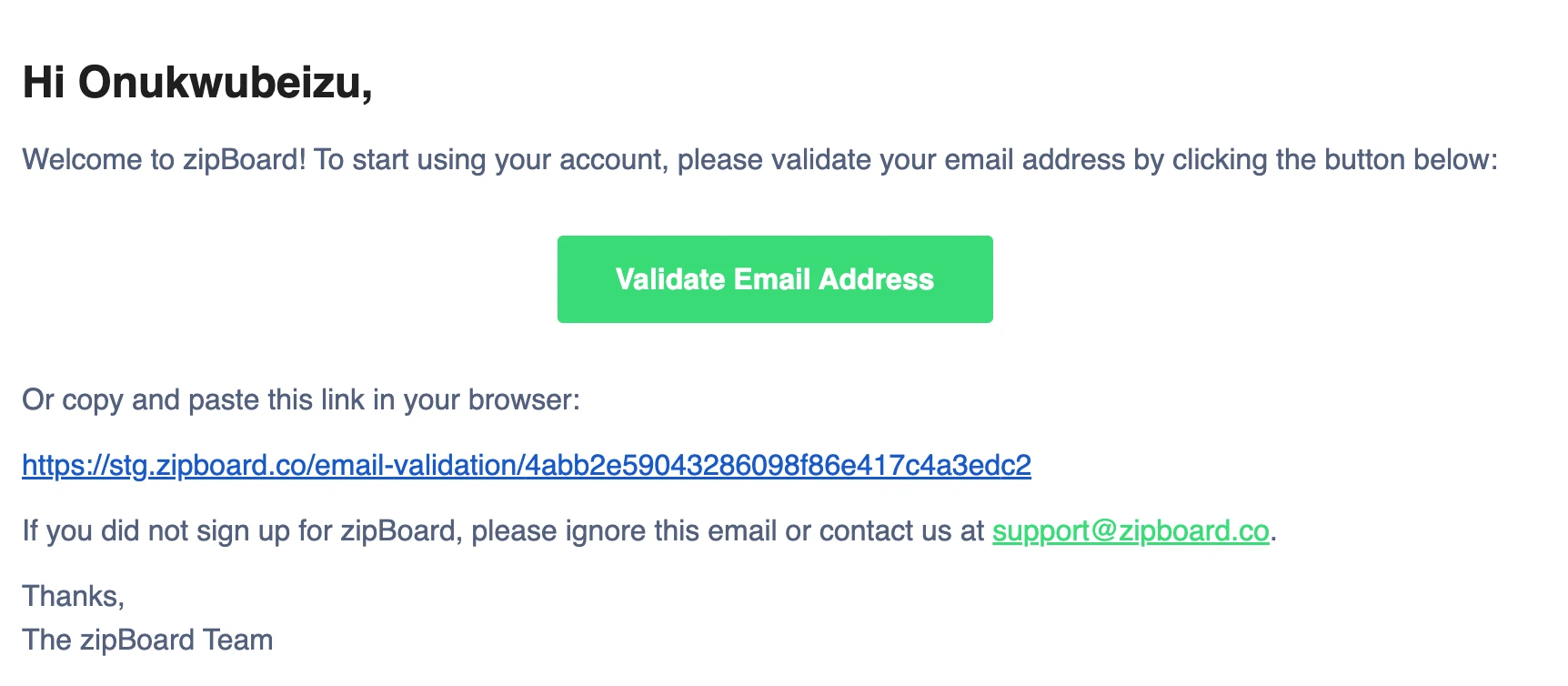
Open the inbox for the email address you used during sign-up. Look for an email from zipBoard with the subject line similar to "Verify your email address" or "Confirm your zipBoard account". The email typically arrives within 1–2 minutes.
💡 Tip: If you don't see it in your primary inbox, check your Spam, Junk, or Promotions folder. Corporate email systems and filters sometimes route automated emails there.
Step 3 — Click the Verification Link
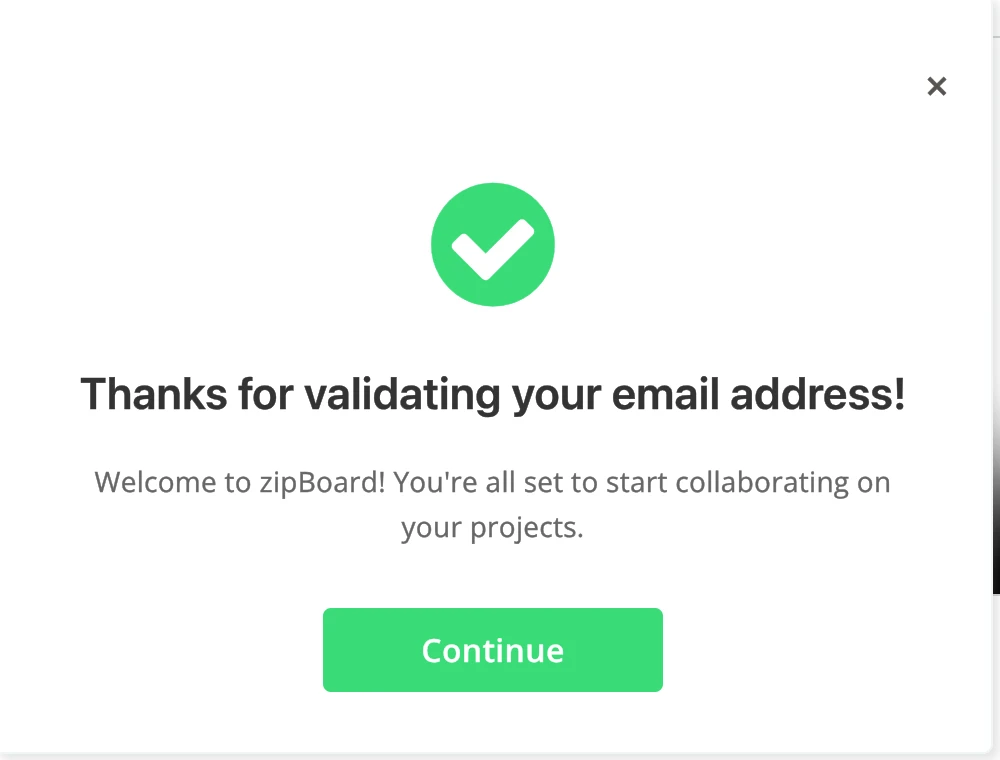
Open the email and click the "Verify Email" button or link. This will open a browser tab confirming that your email has been successfully validated.
Note: To prevent our mail servers from being overwhelmed, there is a 30-second cooldown on this button. If it is greyed out, simply wait for the countdown to hit zero to try again.
Step 4 — Start Using zipBoard
That's it! Once verified, you have full access to your zipBoard account. You can now create projects, annotate files, collaborate with your team, and receive all notifications.red route to be as simple and frictionless as possible. Here is a breakdown of the key elements you’ll see:
3️⃣ Alternative Sign-Up Options
If you'd prefer to skip entering details manually, you can also sign up using your existing Microsoft or Google account by selecting the respective option on the sign-up page. This streamlines the process for you!
Single Sign-On (SSO) for Enterprise Users
For Enterprise accounts: ZipBoard supports Single Sign-On (SSO), allowing you to use your organization’s credentials to access zipBoard. If your organization uses SSO, you can sign in seamlessly with your existing enterprise credentials.
How to enable SSO
If you'd like to use SSO for your organization, simply contact our support team, and we’ll guide you through the setup process.
Once you've successfully signed up, you're ready to dive into your first project! Follow our guide to get started and explore the powerful features zipBoard has to offer.